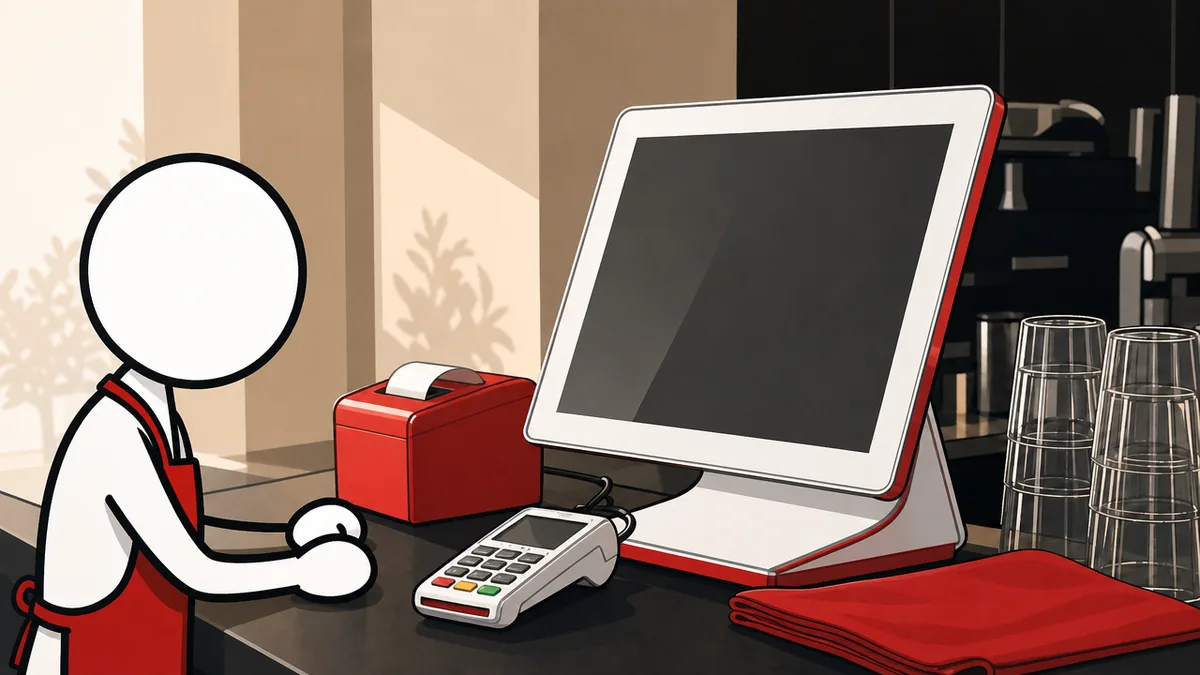
At the till
Ring a sale, split a bill, apply a promotion, take payment and print — without leaving the cart.
The complete point of sale
Floor plans, stock, kitchen tickets, loyalty, promotions and reporting — fifteen modules on one system, running on Windows counters, Android tablets, the kitchen pass and the web. Six themes, any accent colour, three languages with full right-to-left. And it keeps selling when the connection drops.
New · Android tablets
A lighter Octopus POS made for selling and serving, on a 10 or 13 inch tablet. It can be the only POS in the shop: everything is set up on the Octopus Manager website, from any phone or PC.
The sale screen, payments (split and credit), tables and floor plan, bookings, send to kitchen, cash sessions, cash in and out, and the Z report. It works offline and syncs when the internet comes back.
Tap “Find printers” and the tablet finds the receipt printer on the shop’s network — nobody types an address. Kitchen tickets print the same way, and the cash drawer opens through the receipt printer.
No scanner needed: tap the barcode button and show the product to the camera. Two identical items scanned one after the other make two lines.
Full screen, and the screen never sleeps during service. “Lock the POS on screen” keeps staff in the app. It uses the tablet’s own keyboard, in every language, and keeps syncing in the background.
The tablet sees a new version and installs it after one tap, like the Windows POS. No app store needed.
The first install is a download from this site. Android asks you to allow the install: allow it once, then tap Install.
Try it
A working miniature of the till. Add a few items, take payment, print the receipt — then cut the connection and watch it carry on.
Tap a product to start a sale.
One system
The till, the stockroom, the customer and the back office are not four products bolted together. They are four views of one.
Ring a sale, split a bill, apply a promotion, take payment and print — without leaving the cart.
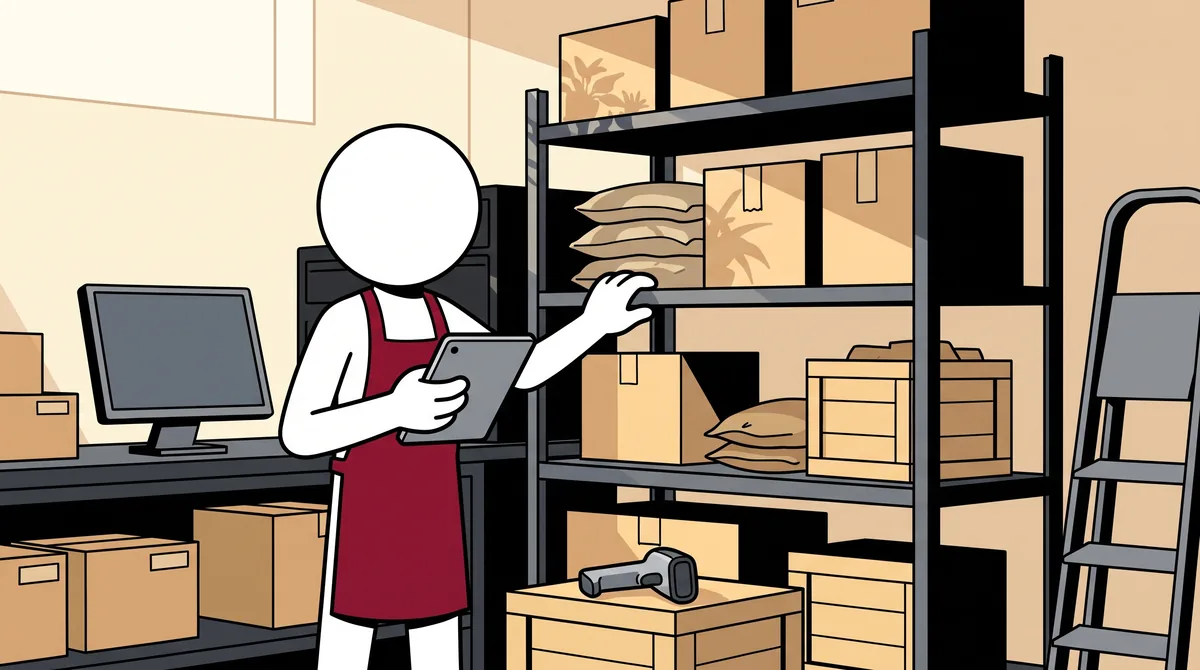
Count stock, take deliveries in and assign stock line by line, scanning straight into the same product list the till sells from.
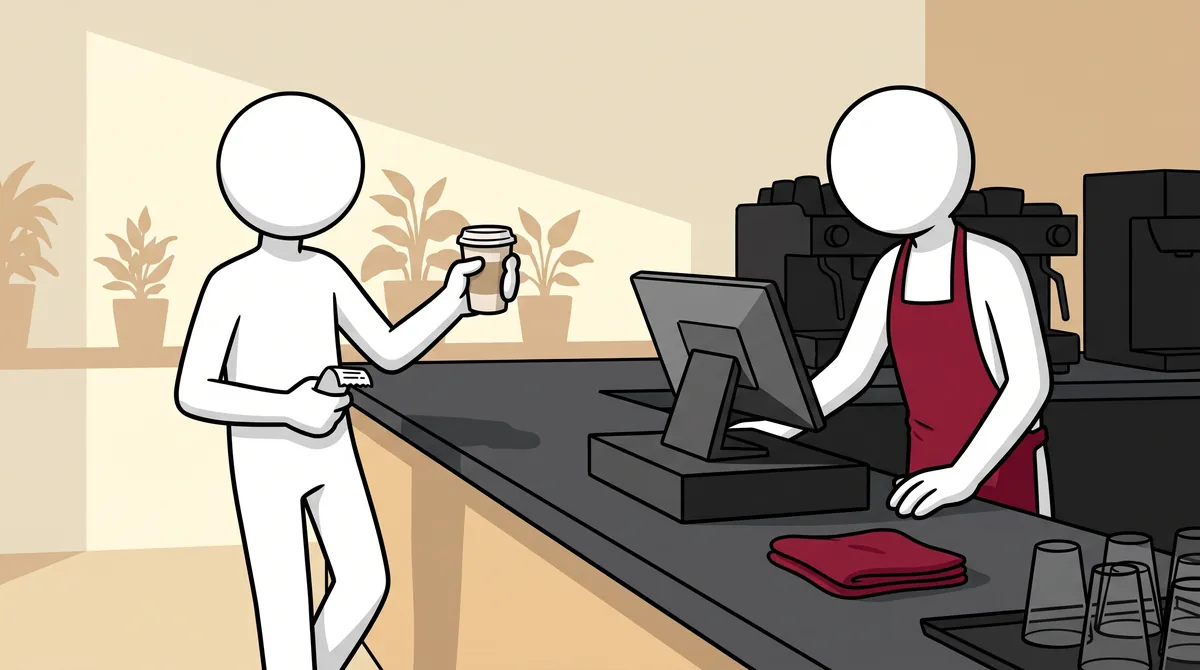
A branded customer display, loyalty cards and store credit, resolved on the spot — connection or not.
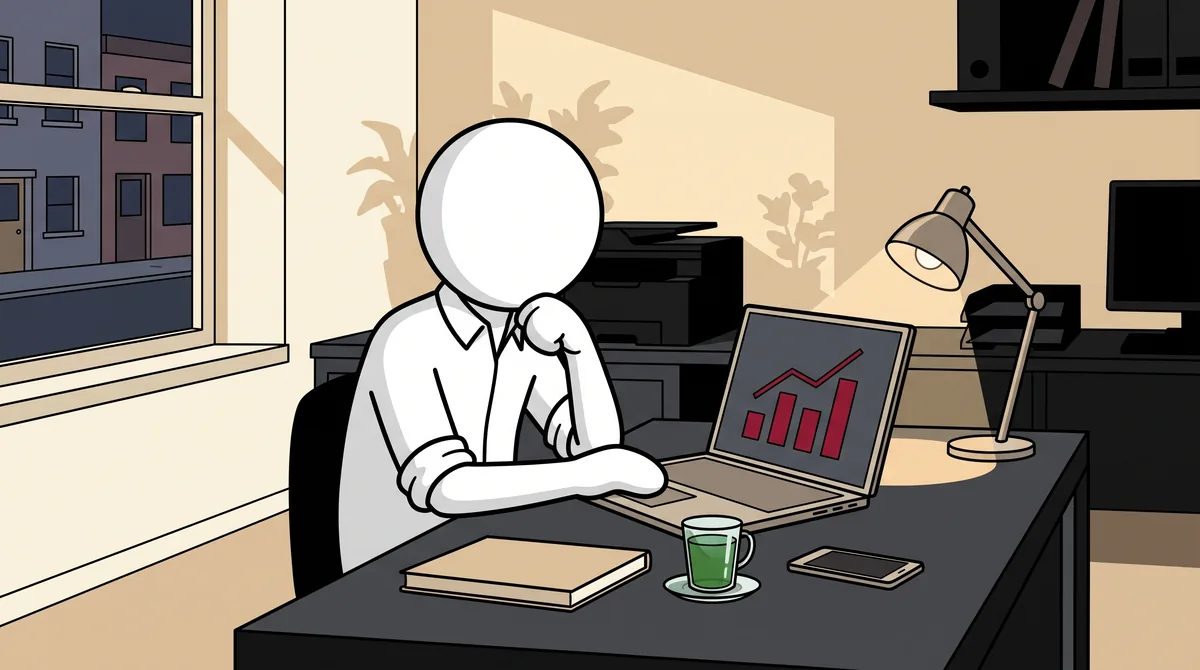
Takings, best sellers, Z-reports and stock per location — in any browser and on your phone.
Features
Built around how a restaurant or a shop actually works, not around a checklist of features.
Lay out the room, move guests between tables, split and merge bills. Tables keep their state even when the connection drops.
Orders reach the pass over the shop’s own network. The kitchen display keeps working even when the internet is down.
Each line of a sale can come from a different warehouse — product A from one, product B from another, in the same sale.
Sizes, extras and required choices, each with its own price, so a cashier rings a complicated order without leaving the cart.
Shift totals, Z-reports, tax breakdowns and product mix — exportable, and translated with the rest of the interface.
Reservations tied to the same floor plan the service runs on, so the room the host sees is the room that exists.
Customer accounts, loyalty cards, per-customer discounts and store credit, all resolvable while offline.
Audited refunds and voids with reason codes and manager approval, returning stock to the warehouse it came from.
Receipt printers, cash drawers and barcode scanners on Windows and on tablets, where the camera scans too. Weighing scales on Windows.
Octopus Manager
Everything the counter needs is configured on the Manager website, from a phone or a PC. A shop running only on a tablet does all its setup here — nothing to configure on the tablet itself.
Open Octopus Manager(opens in a new tab)Platforms
Installs on any Windows touch monitor, 10 to 15 inches. The full counter.
A lighter POS made for selling and serving, on a 10 or 13 inch tablet. It can be the only POS in the shop.
A screen at the pass, fed by the till over your own network.
Setup, stock and takings from any browser, on a phone or a PC.
Buttons sized for a finger, not a mouse pointer. Six themes, including a dimmed one and a night one for low-light rooms. Arabic reads right to left, properly. And every screen arranges itself to the size it is on, so a 10-inch tablet and a 15-inch counter monitor each get a layout that fits instead of one that spills off the edge.
Download the POS for Windows or for an Android tablet, or sign in to Octopus Manager from any browser.
Editions
One system, two license levels. Standard is the complete till, working entirely offline. Pro adds the cloud on top of it — Octopus Manager in any browser, and every location in sync.
No hidden fees: every charge is on your written quote before you pay, and a subscription can be refunded in full within 14 days. Refund policy
Questions
Nothing you can see. Every sale is saved on the POS itself first, then queued for the server. Staff keep ringing orders, printing receipts and sending tickets to the kitchen. When the connection comes back, the queue empties on its own.
No. Each POS keeps its own copy of your data and syncs to our servers. The kitchen display talks to the POS over the shop’s own network, so the pass keeps working even with no internet on the premises.
Yes. It is the same app on both, sharing one product list, one floor plan and one set of reports.
English, French and Arabic today. Arabic reads right to left throughout — not a mirror image bolted on afterwards, but the way the screens were laid out from the start.
Yes. Each company’s data is kept completely separate, with its own warehouses, stock and reports per location under a single owner account.
Yes. The Android tablet can be the only POS in the shop. You do the setup — products, prices, taxes, payment types, staff — on the Octopus Manager website from any phone or PC, which comes with the Pro edition.
Receipt printers connected to the shop’s network, by Wi‑Fi or cable. The tablet finds them in one tap. Bluetooth and USB printers do not work with the tablet yet.
Not directly. Your bank’s card machine works on its own: the cashier takes the payment on it, then taps “Card” in the POS.
No. The first time, you download it from this site; after that it updates itself.
A short walkthrough on your own menu and floor plan — including pulling the network cable mid-sale, which is the part worth watching.